
Signos CGM Review Part 1: Onboarding & First Impressions
November 12, 2025
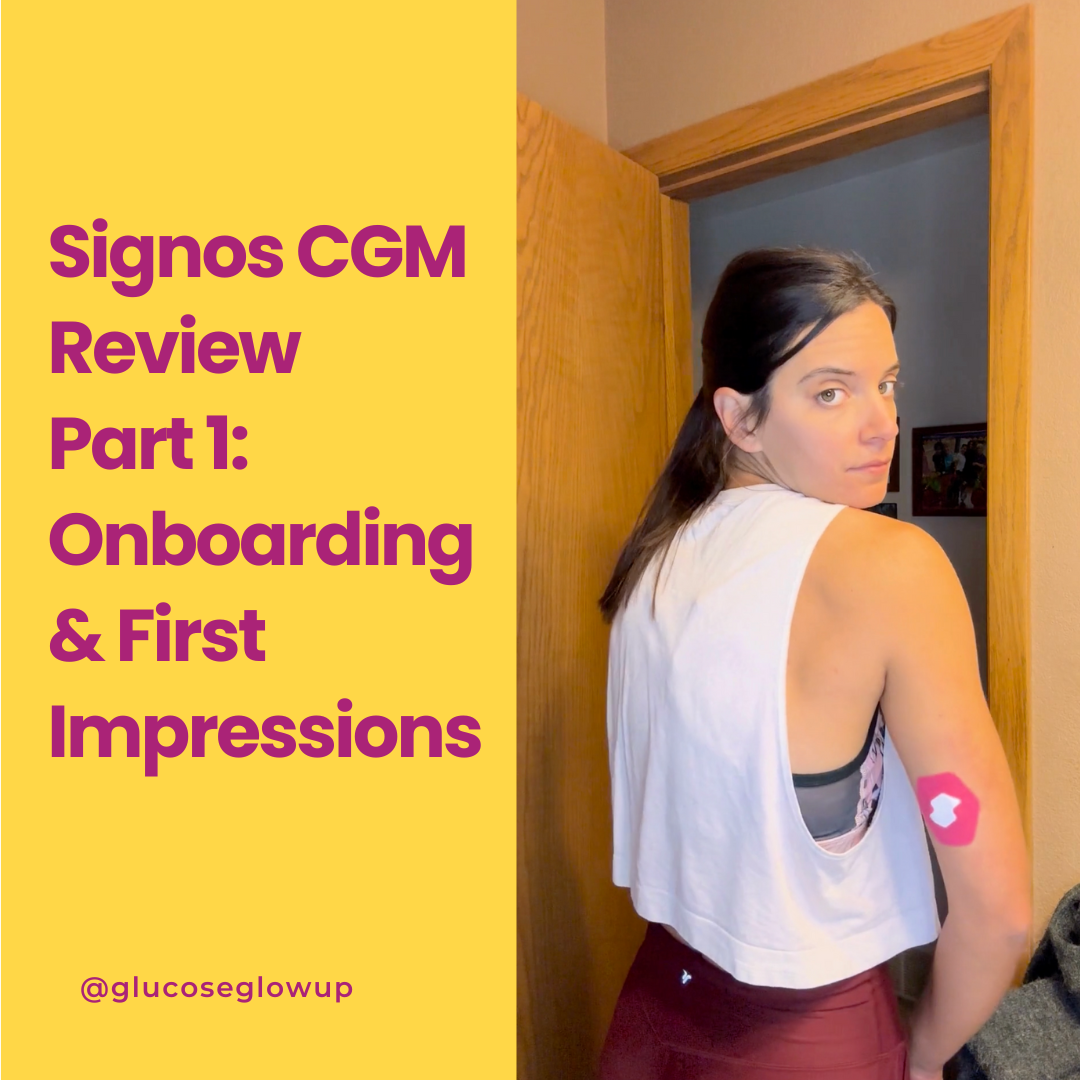
I recently got the opportunity to try out the Signos CGM (Continuous Glucose Monitor) system, which focuses on weight management through real-time glucose tracking. I really have found CGMs to be a key component of my journey so I am excited to try out a new app.
This post is all about the onboarding and setup process, not a full review (that’ll come later as I use it more). Think of this as Part 1 of a mini-series I’ll be sharing over the next month as I test it out and share what I’m learning along the way.
Special Offer
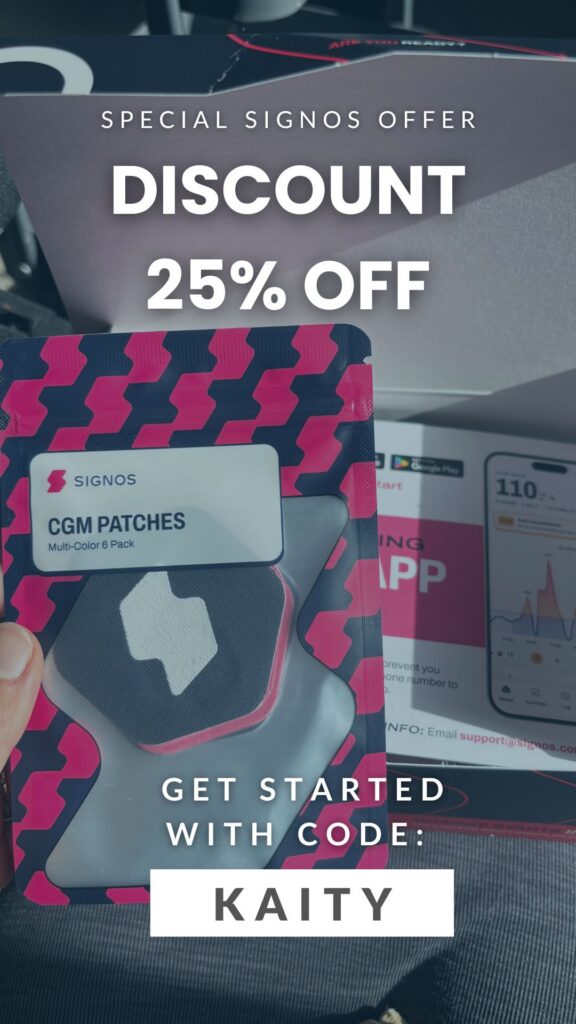
I have partnered with Signos to offer my audience 25% off their subscription. Visit their website here and enter promo code KAITY to apply the discount. Happy learning!
What is Signos?
Before I get into the setup, here’s a quick overview of what Signos actually is.
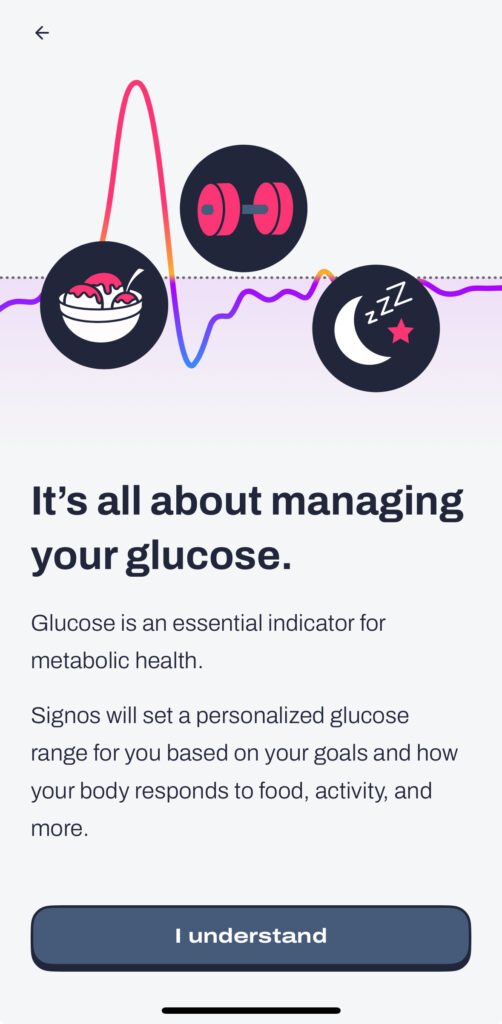
Signos pairs an over-the-counter biosensor with its AI-driven app to give you personalized, actionable insights based on real-time glucose data.
It’s not just about blood sugar, it’s about understanding how your food, sleep, stress, and movement affect your metabolism so you can make choices that support your goals, whether that’s improving energy, focus, or weight management.
Here’s how it works in a nutshell:
- Real-time guidance: If something you eat spikes your glucose, the app suggests a movement or workout to help bring levels back down.
- Personalized tracking: It combines glucose data with info from your logged meals, workouts, and habits to make tailored recommendations.
- It does get “smarter” over time and can make personalized suggestions based off of your history.

The Onboarding Process
The process started with an email from Signos titled, “Your best health starts now.” How about that for an intro? I don’t know about you, but that sounds pretty motivating!
I downloaded the Signos app from the Apple App Store and logged in using the same email my invite was sent to. Once I opened the app, I was greeted with a welcome message and a quick overview of how Signos helps manage glucose and what to expect.
Pairing Your Continuous Glucose Monitor
Signos uses the Dexcom Stelo CGM to power its real-time glucose insights, and pairing it is actually pretty simple. My kit came with two biosensors (a fancy way of saying continuous glucose monitors), and the app walks you through each step of the insertion process. The CGM itself comes with clear instructions too.
Once the sensor is on, you just scan the QR code in the Signos app to connect it. After that, the app starts pulling in your data. It may take a few hours for the readings to fully calibrate and feel more accurate, but as long as it’s paired, you’re good to go!
It’s smooth, easy, and honestly feels a little magical watching your glucose pop up in real time.
Setting Up the Connections
Once I got through the intro screens, I connected Apple Health access. This step is helpful to pull in other useful data like steps, heart rate, and sleep etc.
I granted full access to make sure everything would integrate smoothly. I don’t always wear my Apple Watch, but when I do, it tracks steps and heart rate, which Signos can use to analyze activity trends alongside glucose data.
Getting to Know the App
The interface was surprisingly clean and easy to navigate, but like any new tech tool, it took a bit of exploring to get familiar with everything.
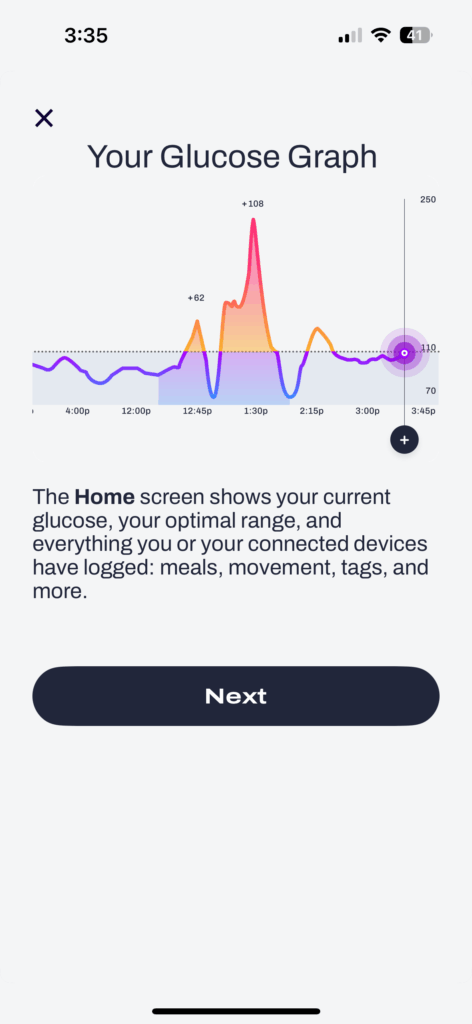
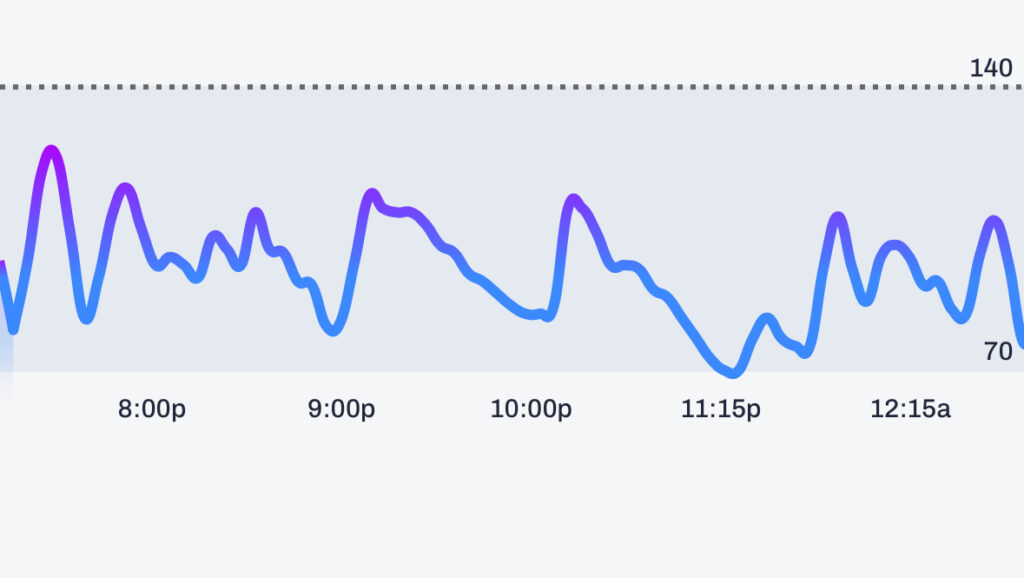
The main trend graphic shows your glucose readings over the past seven days, along with an arrow next to your current number indicating whether your glucose is:
- Trending up (rising quickly),
- Trending down (dropping quickly), or
- Stable (holding steady).
This kind of trend visualization is standard among CGM apps, but it’s super helpful if you’ve never used one before.
Below your current glucose reading, there are three quick-reference metrics:
- Time in range
- Spikes per day
- Last spike time
You’ll also see info about glucose variability, basically, how much your levels fluctuate throughout the day. Even if your glucose comes back down after a spike, wide swings can still have an impact. Ideally, you want to stay within the recommended range of 70–140 mg/dL.
Logging Food and Exercise
The app includes food and exercise logging, which helps connect the dots between what you eat, how you move, and how your body responds.
I’ll be honest, food logging can feel tedious (it’s not my favorite part), but I know it’s key for getting accurate insights, especially in the early days while the system is learning my patterns.
First Impressions
Overall, the onboarding was smooth and intuitive. The step-by-step instructions made setup easy, and everything synced quickly with Apple Health.
I really like how data-driven yet user-friendly the interface feels. You start seeing your numbers and patterns right away, which makes it motivating. There’s something about having that instant feedback that sparks momentum, it’s like your body’s data is suddenly talking back to you.
If your goal is weight management, you can also log your current and goal weight, giving you another layer of progress tracking.
What’s really interesting about Signos is that it’s the first FDA-approved, AI-driven app for weight loss management. This definitely feels like a big step forward in how we think about weight loss and metabolic health.
It’s refreshing to see a tech-based approach that focuses on understanding your body’s data first, instead of immediately turning to medications. The more we can learn about how our metabolism works in real time, the better equipped we are to make small, sustainable changes that actually move the needle.
I know, I know, that sounds like a lot of work. What’s that saying… if it doesn’t challenge you, it doesn’t change you…!
So far, my first impression is that Signos makes it easy to get started and stay curious. The learning curve is gentle, but the potential users to recognize their habits and begin to form new ones is definitely there.
I’ll be sharing more updates as continue using it. I’ve been using a CGM for over 5 years and I still keep learning more about my body!
Stay tuned for Part 2!
*Note: This post does contain affiliate links. However, these are my thoughts and opinions and not influenced by Signos.
Leave a Reply
X
X


Not all healthy foods are created equal. Some seemingly innocent choices can send our glucose levels soaring into the diabetic range, leaving us grappling with symptoms like fatigue, irritability, brain fog and feeling hangry.
5 Healthy Foods That Might Be Spiking Your Blood Sugar
explore the podcast
I'm here to empower others to achieve balanced blood sugar levels and break the stigma that managing blood sugar is just for diabetics. Despite the challenges posed by our broken food system, there are ways to navigate it and prioritize your health.
Tune it bi-weekly
The Glucose Glow Up Show


Why am I breaking the stigma that tracking glucose is just for diabetics?
I'm Kaity! Being an athlete and health-conscious individual all my life, I've always prioritized my well-being. However, as we prepared to start our family, I discovered I had insulin resistance. Determined to overcome this obstacle, I went all in on researching metabolic health.
I've not only achieved balance in my blood sugar levels, (my glucose "glow up") but also found more energy to pour into my family. Now, I'm passionate about sharing the tools and strategies that have transformed my life so others can also experience a glucose "glow up!"
Welcome, I'm glad you're here.

Add a comment
0 comments